
AI Smart Image Expansion
Completely Free · Smart Fill · Instant Generation
Image Expander
Or drag and drop photo here
No photo? Try these
By uploading an image, you agree to our Terms of Service and Privacy Policy
Three Steps to Complete Canvas Expansion
No professional skills required—three simple steps to intelligently expand canvas and perfect your composition.
Upload Image
Upload any image (supports JPG, PNG, WEBP formats), system automatically recognizes content.
Adjust Canvas
Select target aspect ratio, drag to adjust original position on canvas, decide expansion direction.
Generate & Download
Click generate, AI fills expanded area intelligently in 5-10 seconds, maintaining style consistency. Download HD result directly.
Core Capabilities
Content‑aware technology powered by deep learning, intelligently understanding and naturally extending scenes.
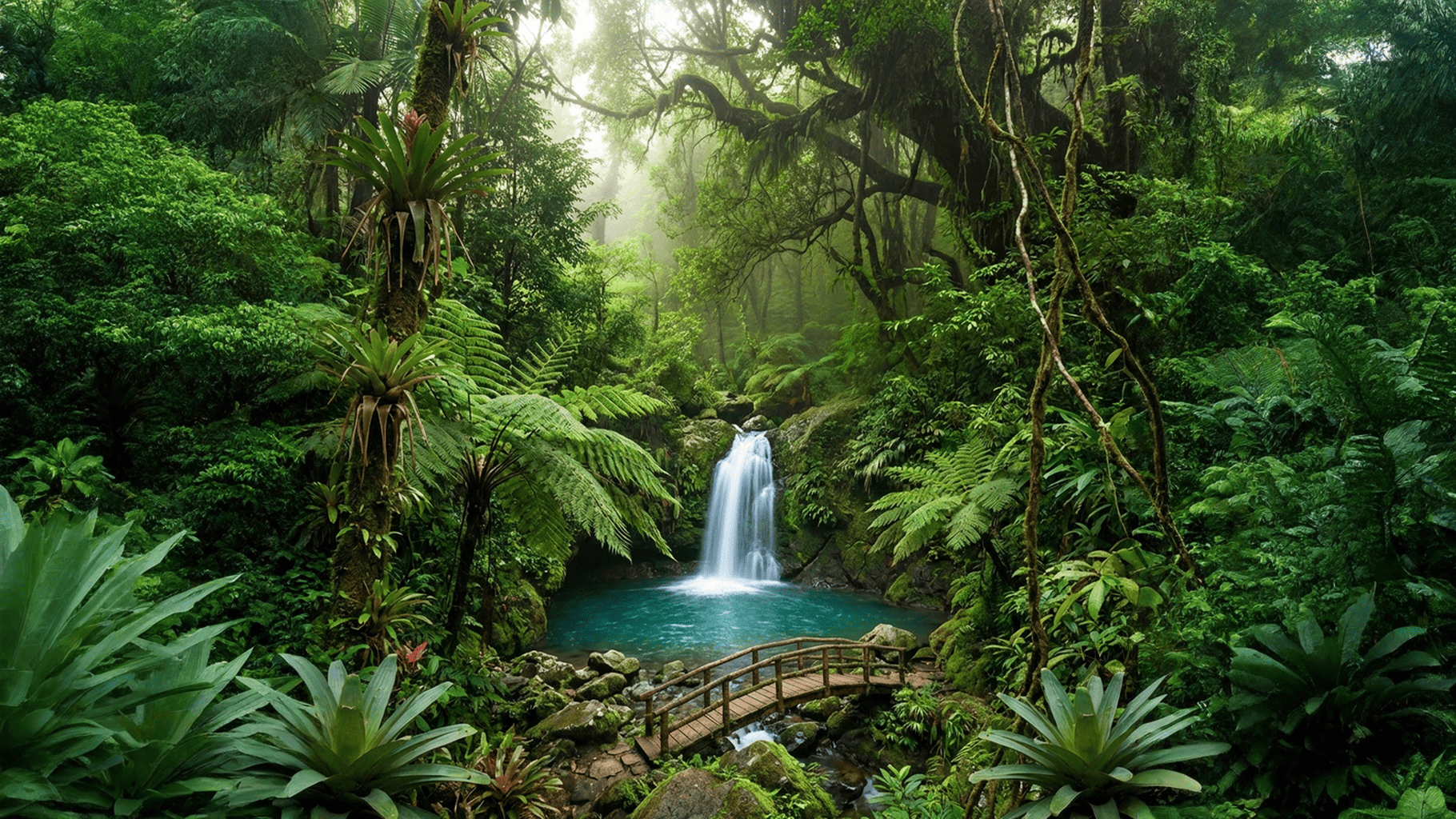
Smart Canvas Expansion
Easily break through original image boundary constraints. Whether adjusting for social media dimensions or adding whitespace for design drafts, complete expansion in seconds with natural style transitions.
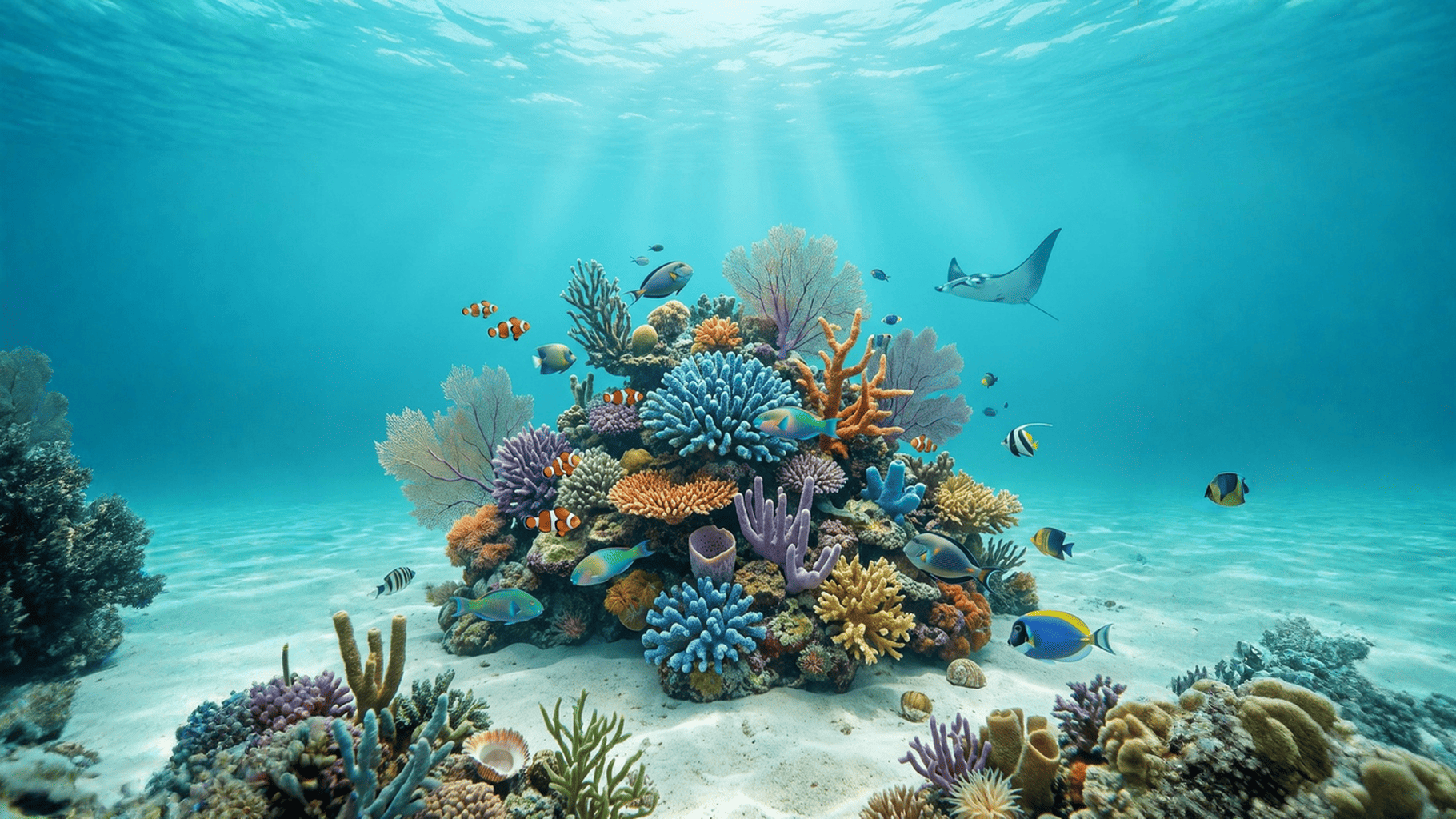
Product Background Extension
Ideal tool for product photography. Automatically extend backgrounds, reserve space for text, logos, promotional info—perfect for e‑commerce platforms, posters, and advertising scenarios.
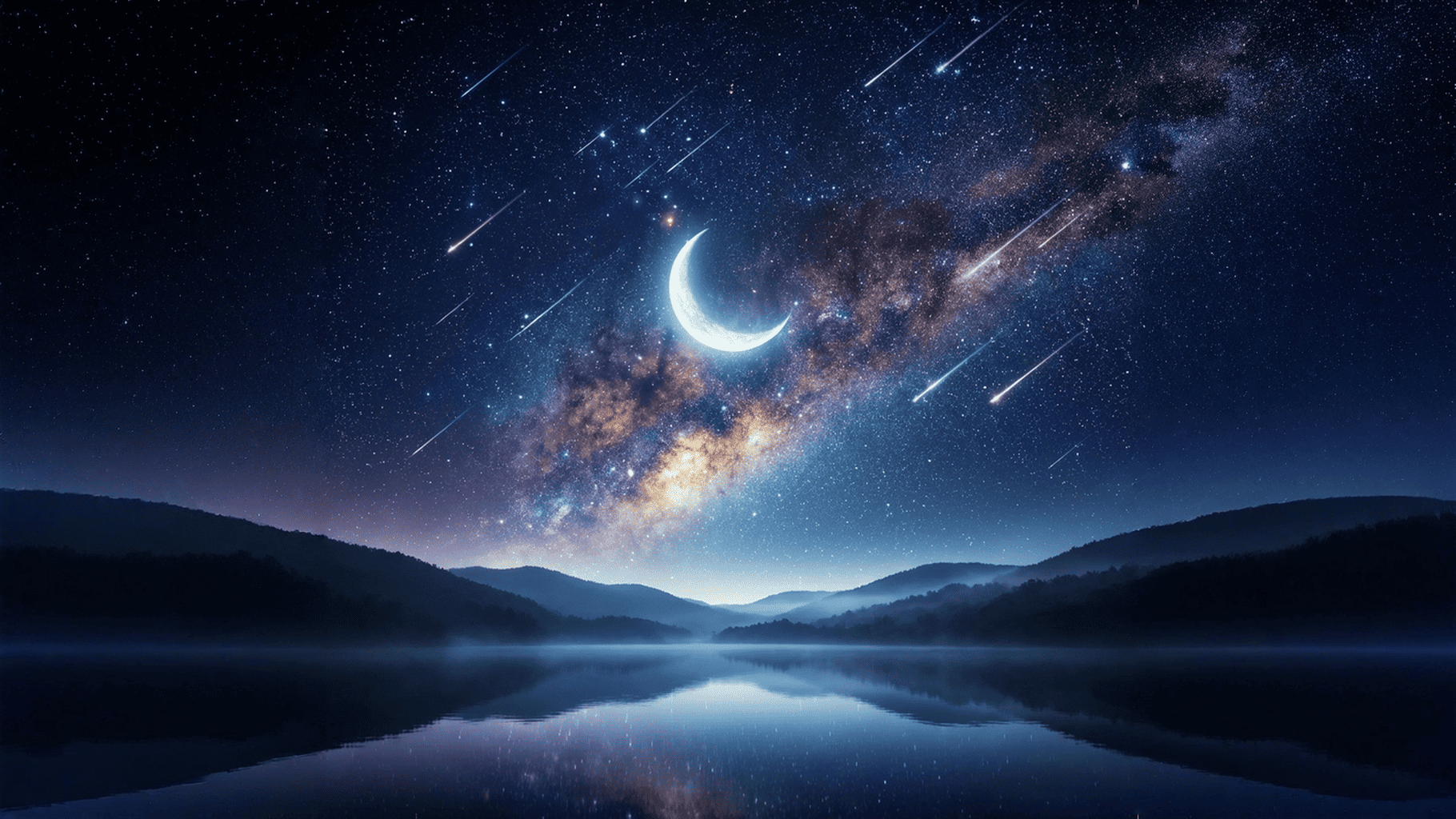
Lossless Quality Expansion
Based on AI super‑resolution technology, maintains original image quality while expanding canvas. Expanded areas seamlessly blend with originals, meeting professional needs of photographers and designers.
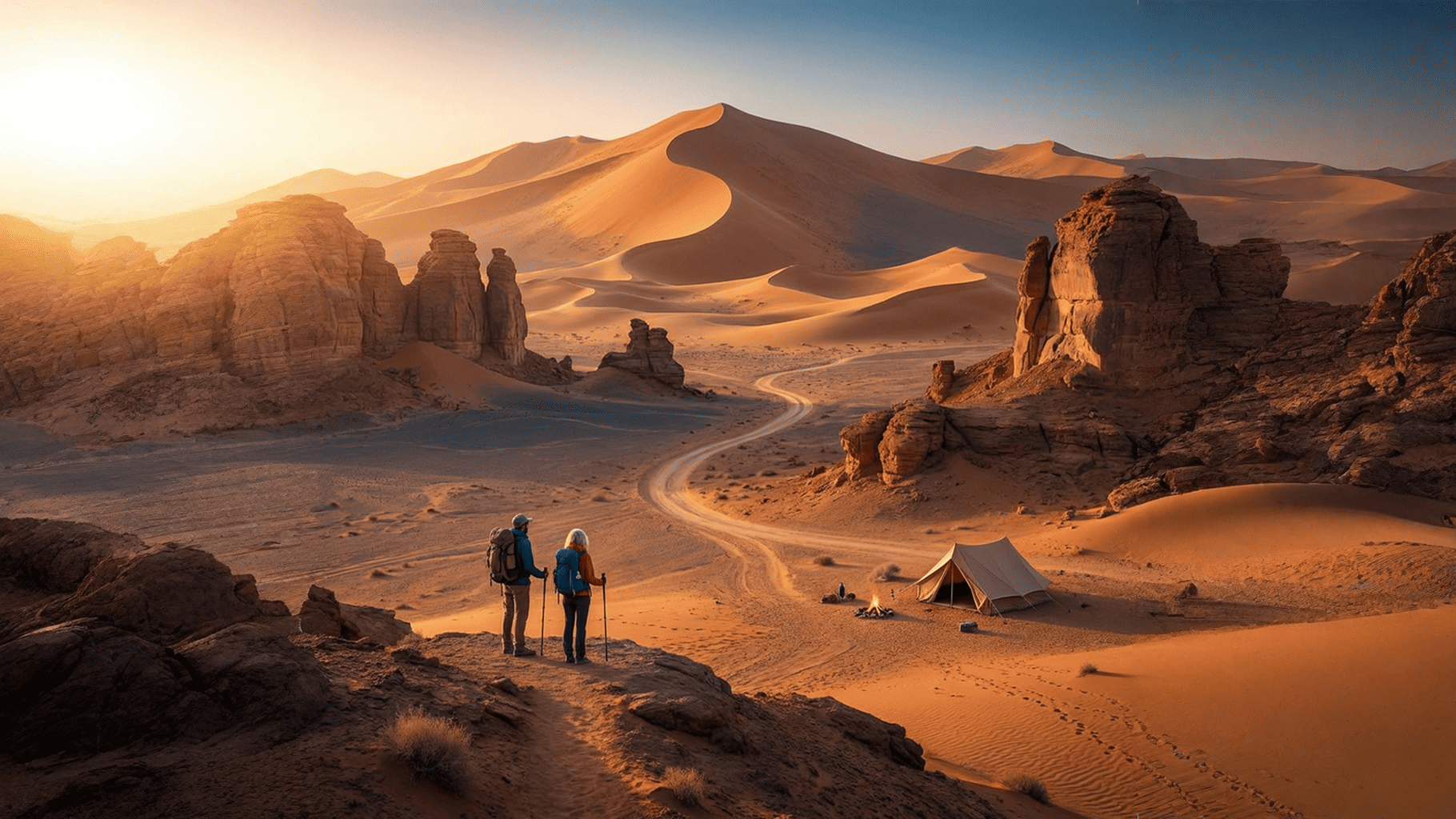
Content‑Aware Fill
Automatically analyzes scene content, lighting, tone, and perspective relationships, generating expanded areas highly consistent with originals. Naturally extends composition for landscapes, portraits, or architecture.
Frequently Asked Questions
Detailed answers about AI image expansion features
What formats and sizes are supported for image expansion?
📁 Formats JPG, PNG, WEBP, BMP, TIFF and mainstream formats, auto-recognized. 📏 Size Requirements • Max file: 10MB • Resolution: 200×200 to 8192×8192 • Recommended: 1000×1000 to 4000×4000 (best results) ✨ Special Notes • PNG transparent backgrounds preserved • GIF first frame only • RAW needs JPG/PNG conversion